
Code js
var rand1 = 0;
var useRand = 0;
images = new Array;
images[1] = new Image();
images[1].src = "http://goods.hnysnet.com/zb_users/theme/goods/style/images/w1.jpg";
images[2] = new Image();
images[2].src = "http://goods.hnysnet.com/zb_users/theme/goods/style/images/w2.jpg";
images[3] = new Image();
images[3].src = "http://goods.hnysnet.com/zb_users/theme/goods/style/images/w3.jpg";
images[4] = new Image();
images[4].src = "http://goods.hnysnet.com/zb_users/theme/goods/style/images/w4.jpg";

images[5] = new Image();
images[5].src = "http://goods.hnysnet.com/zb_users/theme/goods/style/images/w5.jpg";
function swapPic() {
var imgnum = images.length - 1;
do {
var randnum = Math.random();
rand1 = Math.round((imgnum - 1) * randnum) + 1;
} while (rand1 == useRand);
useRand = rand1;
document.randimg.src = images[useRand].src;
}
Code HTML
<div class="wx_content">
        <img name="randimg" src="http://goods.hnysnet.com/zb_users/theme/goods/style/images/w1.jpg">
</div>
Exemple d'application :
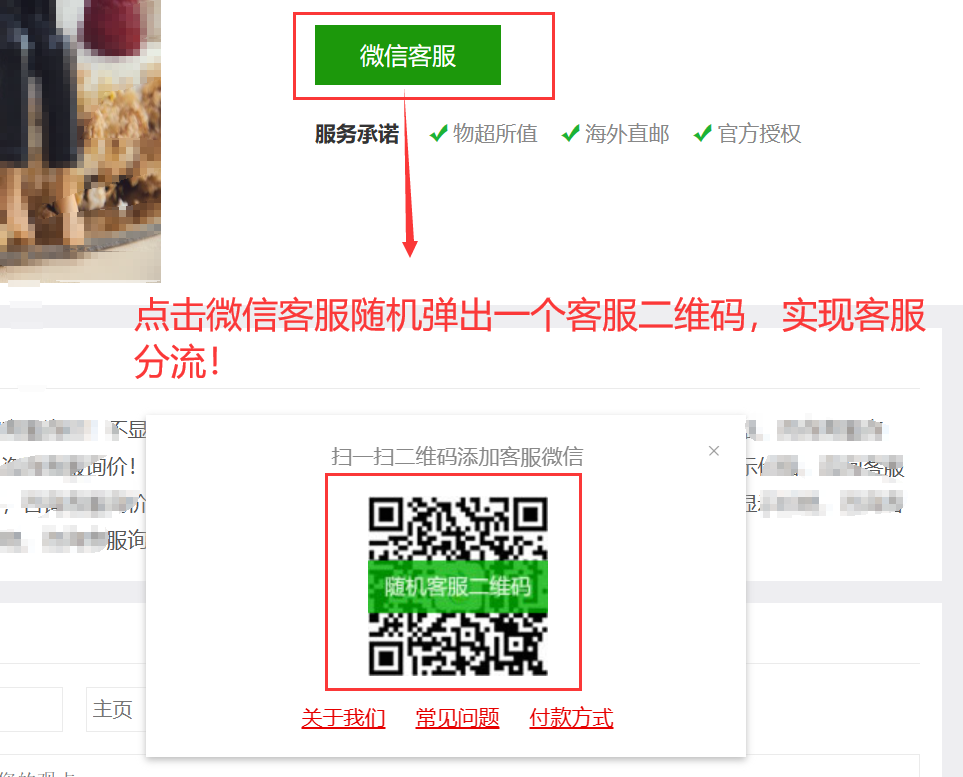






 Ajoutez le service client qq.
Commentaires des internautes